













A friend who runs a small web design shop in Pune called me last year in a bit of a panic. One of his client sites had started redirecting visitors to a pharmacy site in Russia. He had not touched the site in months. Neither had his client. It just happened.
What actually happened is common, and boring, in a bad way. An old contact form plugin had a known vulnerability. Since the server had no real account isolation, the infection tried to spread sideways to other accounts on the same box too. This is exactly the situation Imunify360 is built for.
What Imunify360 Actually Is
Imunify360 is a security suite built specifically for Linux servers running cPanel, WHM, Plesk, or DirectAdmin. Because it comes from the same team behind CloudLinux, it sits close to the server rather than bolted on as an afterthought.
Instead of one tool doing one job, it bundles a malware scanner, a web application firewall, brute force protection, automatic CMS patching, and reputation monitoring into a single layer. Although a single small site might not need all of this, an agency managing dozens of client sites on one server absolutely does.
What It Protects Against
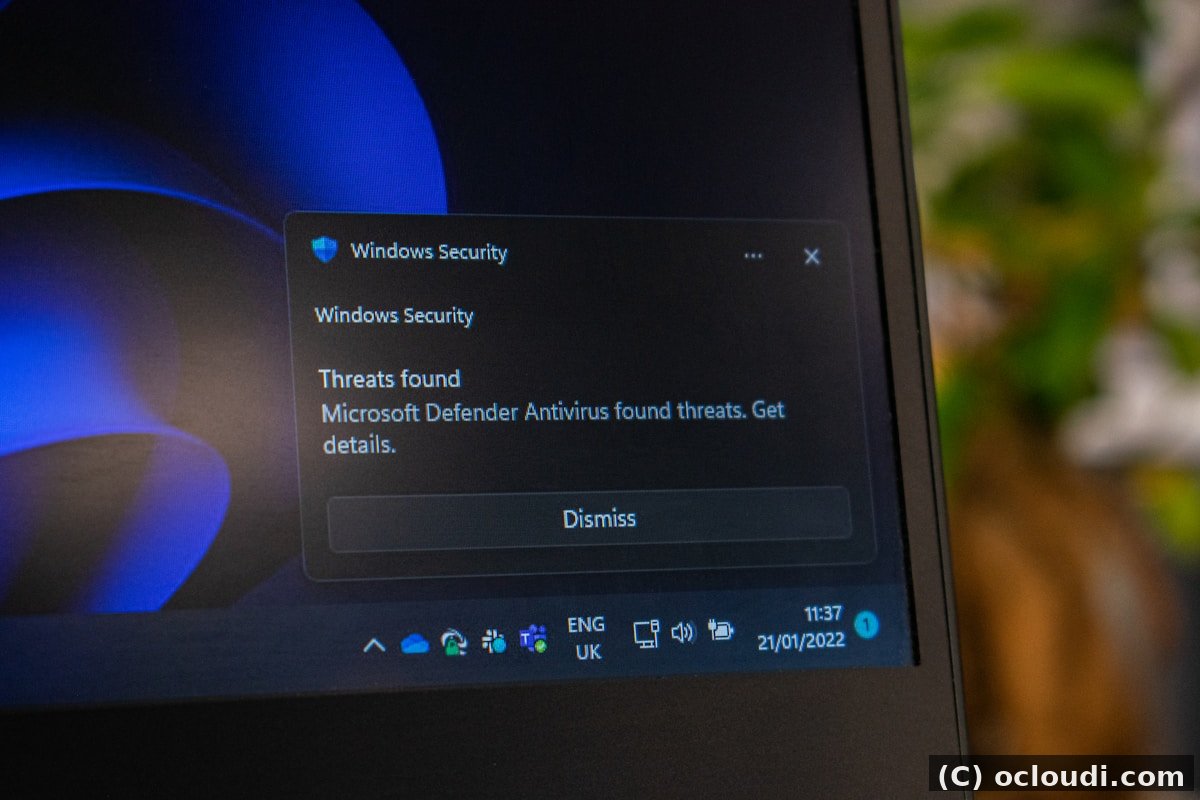
Most attacks on shared and VPS hosting are not sophisticated. Beyond targeted attacks, the real threat is automated bots scanning thousands of IPs for outdated plugins and weak passwords. Imunify360’s official documentation is built around exactly this everyday threat model, not nation state attacks.
It catches outdated plugins with public exploits, brute force login attempts, malicious file uploads disguised as images, and cron jobs quietly added by malware to reinfect a site after cleanup. Since one spamming account on a shared IP can blacklist every other site and email account on that same IP, reputation monitoring matters more than people realize.

Who Really Needs It
You probably need it if you resell hosting, run WooCommerce, host email accounts alongside websites, or have been hacked before, even once. You can likely skip it for now if you run one small personal blog with no logins beyond your own, or your host already bundles equivalent protection at the server level.
| Manual security (DIY) | Imunify360 | |
|---|---|---|
| Plugin monitoring | Manual or none | Automatic scanning and patching |
| Brute force protection | Basic fail2ban, if configured | Built in, tuned for cPanel/WHM |
| Cleanup after infection | Hours of manual work, often 8,000 to 25,000 rupees per incident | Scans and quarantines before it spreads |
| Blacklist monitoring | Found out from a customer complaint | Proactive alerts |

How It Works Alongside CloudLinux and cPanel
Imunify360 and CloudLinux’s CageFS are designed to complement each other rather than overlap. CageFS isolates each hosting account so one compromised site cannot touch another account’s files. Imunify360 then watches for threats within and across those isolated environments.
It is worth being direct about limits too. Imunify360 will not fix a weak admin password by itself, and it does not replace regular backups. Think of it as a strong second layer, not a substitute for basic hygiene like updating plugins and using strong passwords.
Conclusion
If a security incident would cost you a client relationship or real revenue, the monthly cost of Imunify360 is cheap insurance. If you are running a VPS or WHM server and want it added without handling licensing yourself, Ocloudi’s security add-on licenses include it alongside CloudLinux and LiteSpeed, already configured on managed VPS plans.
# Check if Imunify360 is already active on your server
sudo imunify360-agent malware history